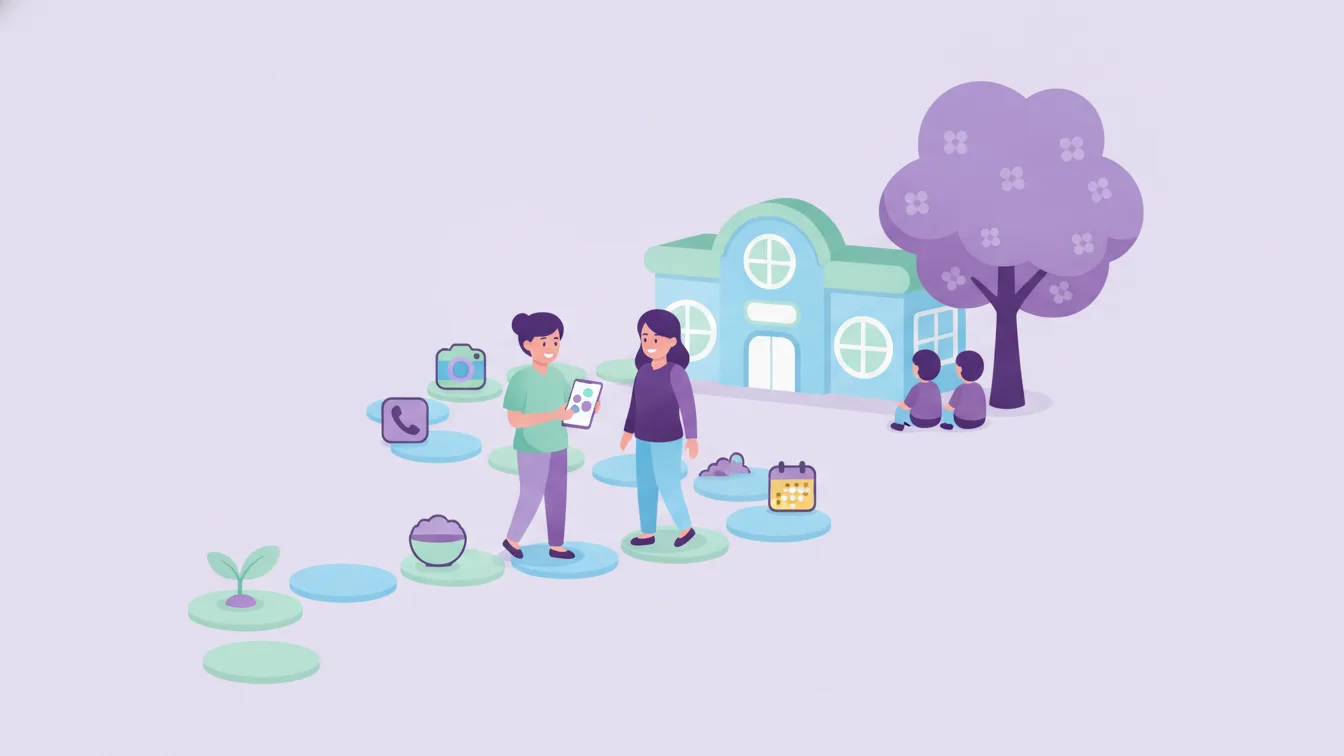
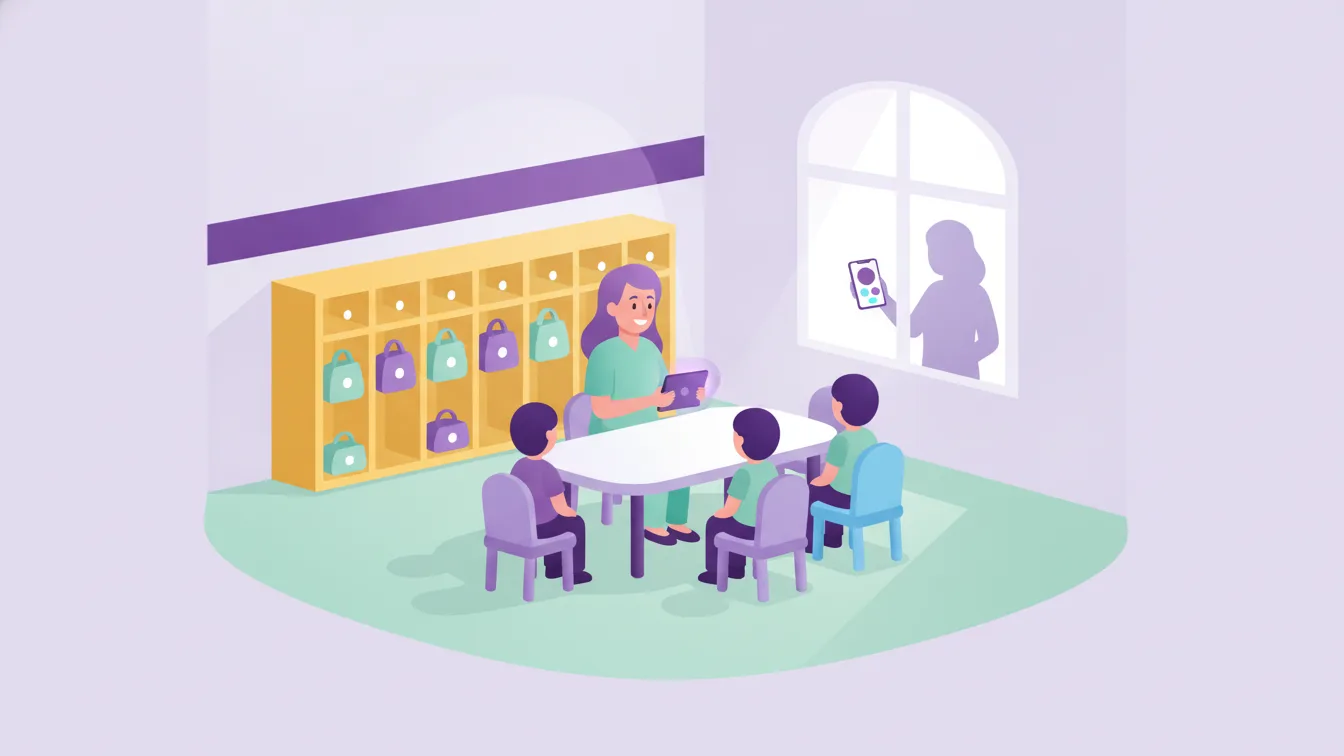
A preschool day starts at the door in the morning: which child has arrived, who came by school bus, who was dropped off by a grandparent? Toward noon the questions change: what did they eat today, did they nap, what did they do in the activity? By evening, parents have just one thing on their phones: "How was my child's day?"
Each of these questions is simple on its own. The difficulty begins when you have dozens of children, several classes, and parents writing through different channels. This is exactly where preschool management software comes in. In this guide I explain what it is, what parts it is made of, and how to get started the right way at your school.
What does preschool management software mean?
Preschool (or nursery) management software is an application that brings the school's daily operations, student information, and communication with parents into a single system. It usually has two sides:
- Admin panel: The screen that school administrators and teachers use from a browser. Classes, students, announcements, events, and user permissions are managed here.
- Parent app: The mobile app on the parent's phone. Announcements, messages, photos, meal information, and notifications arrive here.
Funikid is made of these two parts as well: a web panel and a mobile app for iOS and Android. The school enters information once, and it reaches the right parent at the right time.
Why is it no longer just "nice to have"?
For years, many schools got by with paper forms, notebooks, and messaging groups. This setup works on a small scale, but it breaks down in three places:
- Information gets scattered: An announcement gets buried among group messages, a permission note stays in a notebook, a phone call never makes it into the records.
- Teachers' time goes to communication: Answering the same question separately to ten parents eats into the time meant for the class.
- Parent trust is built through visibility: When parents can't see their child's day, they ask questions; when they receive regular, predictable information, they trust.
Management software solves all three problems at once: it gathers information in one place, reduces repetitive communication, and opens a regular window for parents.
What modules does it include?
Every school's needs are different, but in good preschool software you should expect to see the following areas:
Parent communication
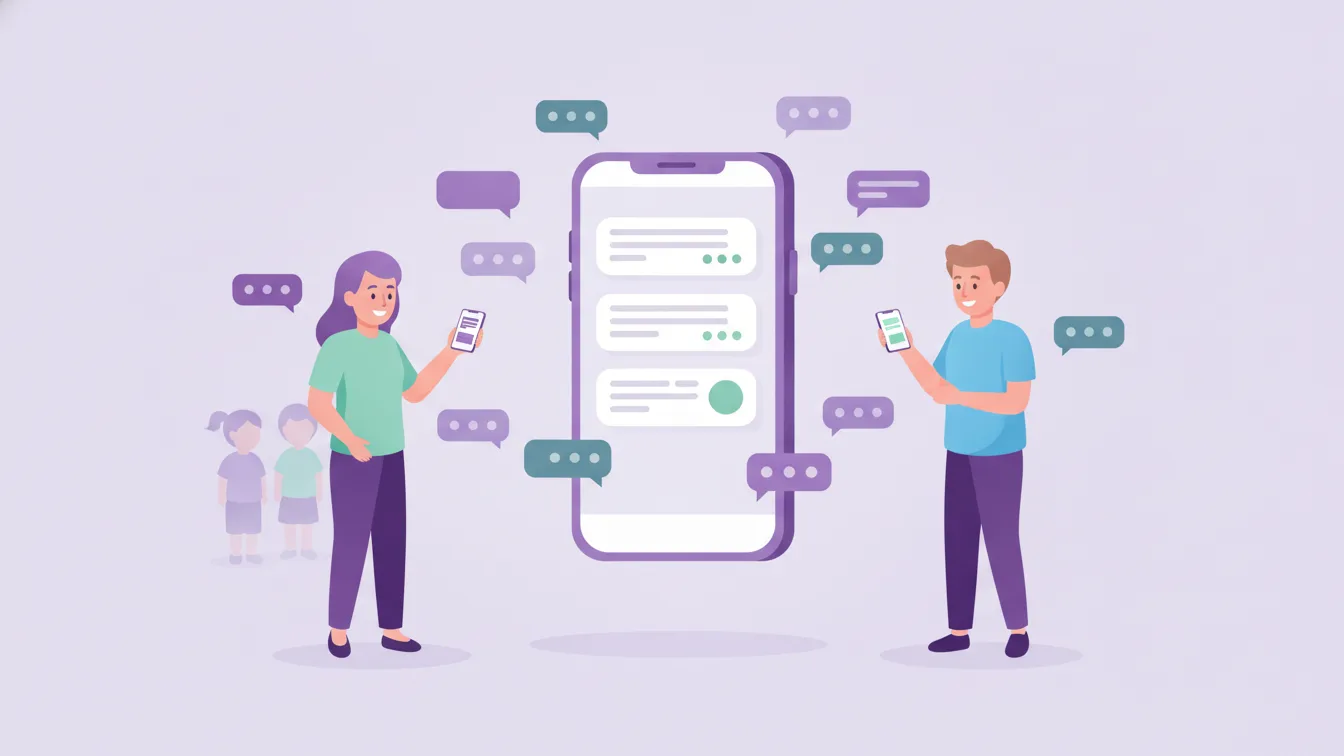
- Messaging: Individual or group messages between teacher and parent. See messaging and notifications.
- Announcements and newsletter: Class-level announcements; newsletters shared as PDF, JPEG, or PNG. See announcements and newsletter.
- Instant mobile notifications: Important updates land on the parent's phone right away.
Daily operations
- Attendance and check-in/out: Passing a student's arrival and departure information on to the parent. See attendance and check-in/out.
- Meal menu and meal tracking: Sharing the daily, weekly, or monthly menu and letting parents know about each meal. See meal menu and tracking.
- Events and calendar: Creating events, informing parents, and collecting attendance confirmations. See events and calendar.
- Photos and gallery: Sharing photos and videos through class and student albums. See photos and gallery.
Administration
- Student management: Keeping student information current and accessible. See student management.
- Online payment: Letting parents make their payments through the app. See online payment.
- Roles and permissions: Defining which user can see and change what. See roles and permissions.
- Multilingual: Offering parents information in their own languages. See multilingual.
You can look at all of Funikid's modules one by one on the features page.
Who uses it?
School software is not just a tool for the administrator; each group of users expects something different from it:
- School administrator: Wants to see the whole school on one screen, keep communication consistent, and manage permissions.
- Teacher: Wants to share updates about their class quickly, and give information to everyone at once instead of writing to parents one by one.
- Parent: Wants to follow their child's day, communicate easily with the school, and never miss an important announcement.
Good software meets all three expectations at the same time. A system that is a burden for teachers won't last long; an app that is complicated for parents won't even get opened.
Five steps for the right start
- Define your priority. Which task costs you the most time? For most schools the answer is parent communication, and that should be the starting point.
- Prepare the class and student lists. A system that is already filled in on day one helps teachers adopt it faster.
- Decide who sees what. Define the permissions of administrators, teachers, and other staff from the start.
- Announce a single channel to parents. Saying "From now on, announcements will come through the app" is the first step toward closing the old channels.
- Decide by trying. You can try Funikid free for 14 days; living through a real week with one class in that time tells you more than watching a presentation. For a plan, see our 14-day trial guide.
What to look for when choosing
Choosing software deserves an article of its own; here is the short list:
- Is the parent app available on both iOS and Android?
- Can a teacher's daily update be shared in a few taps?
- Do the role and permission definitions fit your school's structure?
- Is there a language option for parents who speak different languages?
- Is it easy to reach the support team?
For a more detailed checklist, take a look at our article 10 questions to ask when choosing school management software.
Frequently asked questions
Is preschool management software only for large schools?
No. Even in a nursery with a single class, parent communication, meal information, and announcements call for the same order. The advantage of a small school is that the switch can be completed within a few days.
Do parents need to install the app?
Yes; Funikid's parent app is available in the iOS and Android stores. School administrators and teachers can also use the web panel from a browser.
Should we close our existing messaging groups right away?
It is healthier to define a transition period. First move the official announcements to the app, then after a few weeks leave the groups for emergencies only. For details, see our article on parent WhatsApp groups.
What do I need to start a trial?
Just fill in the registration form. You can apply for the free trial, or contact us with your questions.
About the author
Selin Kaya
Digital Content Specialist
Writes on Funikid's content team about school–parent communication, announcements and messaging routines. Answers the everyday questions of preschool and nursery leaders in plain language, with practical advice.