
Features
Roles and Permissions
Set user permissions with ease: define access rights for different user groups and protect your school's data.

What it solves
A system where everyone can see everything is not acceptable in a school that has to protect children's and families' information.
- Access that is too broad With restricted access control, each user sees only the sections they are authorised for.
- Different needs Separate access rights are defined for staff, teachers and parents.
- Data security Rights specific to user groups help keep your data secure.
How do permissions work?
Access is defined by user group.
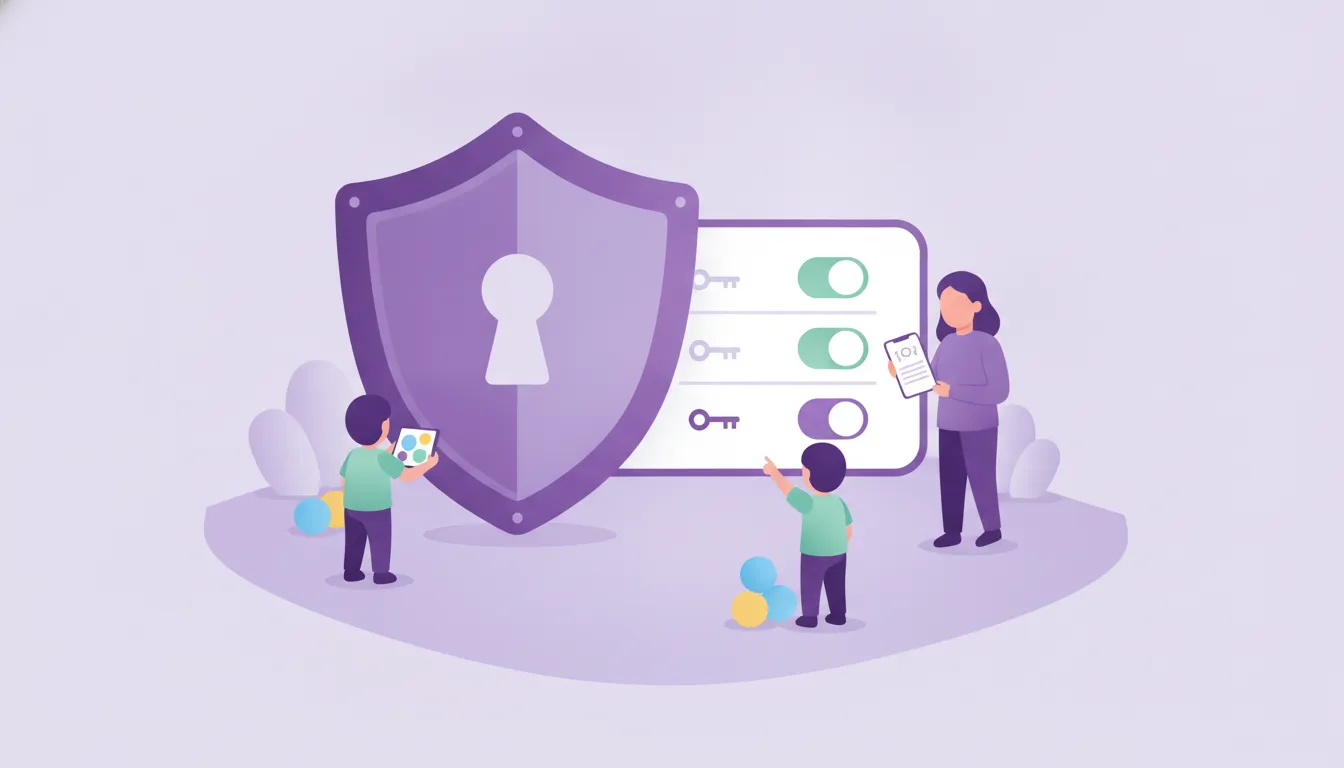
Access rights
Permissions per group
For each user group you define which sections they can see and which actions they can take.
See details
Permissions are defined per group, not per user, so they are easy to manage.
- User groups
- Access per section
- Permissions easy to change
Roles
Administrator, teacher, parent
The office sees the whole school, teachers see their own classes, and parents see only what is shared about their own child.
See details
Each user works on the screen that fits their role.
- Administrator access
- Teacher access
- Parent access
Security
Restricted access control
The permission system helps protect the school's data by closing off unnecessary access.
See details
Security starts with access that is kept narrow by default.
- No access to unauthorised sections
- Control per group
- Managed from the web panel
Frequently asked questions
Can teachers see the whole school's data?
No. The permission system defines separately what each user group can access.
Where are permissions set?
Permissions are defined per user group in the Funikid web panel.
Can a parent see other children's information?
Parents see the content shared about their own child in the app.
Related features
-

Student Management
Keep student information organised and up to date, and manage records linked to classes, parents and teachers from one panel. Explore -

Messaging and Notifications
Parents and teachers message each other in the app; announcements, attendance, meals and events reach parents' phones as instant notifications. Explore -

Multilingual
Funikid offers several language options; parents and teachers use the app in their own language and language barriers shrink. Explore
Try Funikid free for 14 days
The iOS and Android apps come together with the web panel, and our team is with you during setup.