
Features
Multilingual
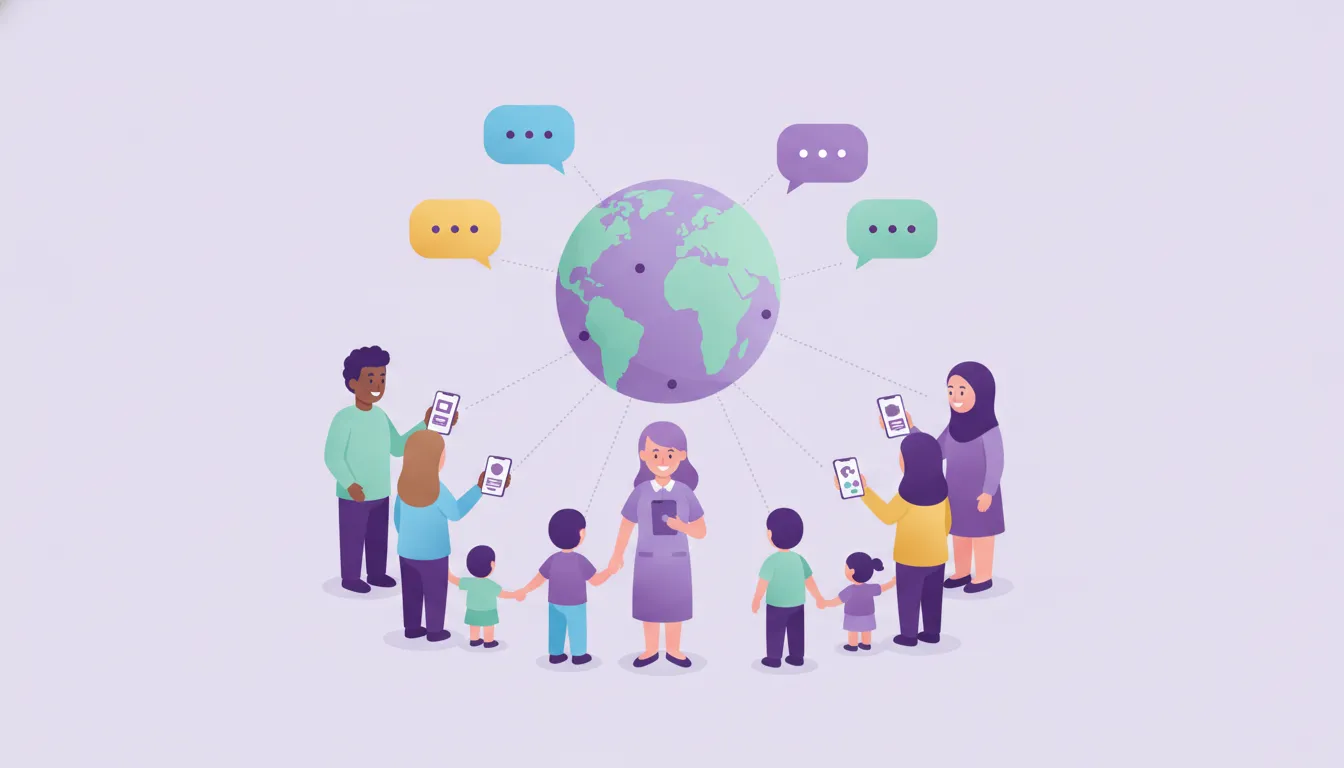
Communication gets easier in schools with families from different language backgrounds: each user uses the app in their own language.
What it solves
When parents whose first language is different can't fully understand messages from school, communication breaks down.
- Language barriers Parents and students get information in their native language and communication barriers shrink.
- One language for all Language preference is personal, so one school can use several languages.
- Getting new users started On first launch the app follows the phone's language, and users can change it whenever they like.
How does multilingual support work?
Language is each user's own choice.
Language choice
A language per person
Users choose the app language in the settings, and the choice is saved in their account.
See details
Everyone uses the app in the language they are most comfortable with.
- Language choice in settings
- Preference saved in the account
- Phone language on first launch
Different user groups
For multicultural schools
With several language options, Funikid speaks to different user groups.
See details
Communication becomes more effective.
- For parents
- For teachers
- For staff
Communication
The same information, in your language
The interface appears in the user's language, making communication between school and family easier.
See details
Language no longer stands in the way of school-family partnership.
- App interface
- Notifications
- Mobile and web
Frequently asked questions
How do I change the app language?
Users choose the app language in the settings; on first launch the phone's language is used.
Can one school use different languages?
Yes. Language preference is personal; each user chooses their own.
On which platforms is Funikid available?
Funikid is used through its iOS and Android apps and the web panel.
Related features
-

Messaging and Notifications
Parents and teachers message each other in the app; announcements, attendance, meals and events reach parents' phones as instant notifications. Explore -

Announcements and Newsletter
Send class-based announcements and deliver your newsletter as a PDF, JPEG or PNG to every parent's phone instantly. Explore -

Roles and Permissions
Define separate access rights for user groups such as administrators, teachers and parents, so everyone sees only what they need. Explore
Try Funikid free for 14 days
The iOS and Android apps come together with the web panel, and our team is with you during setup.