
Features
Announcements and Newsletter
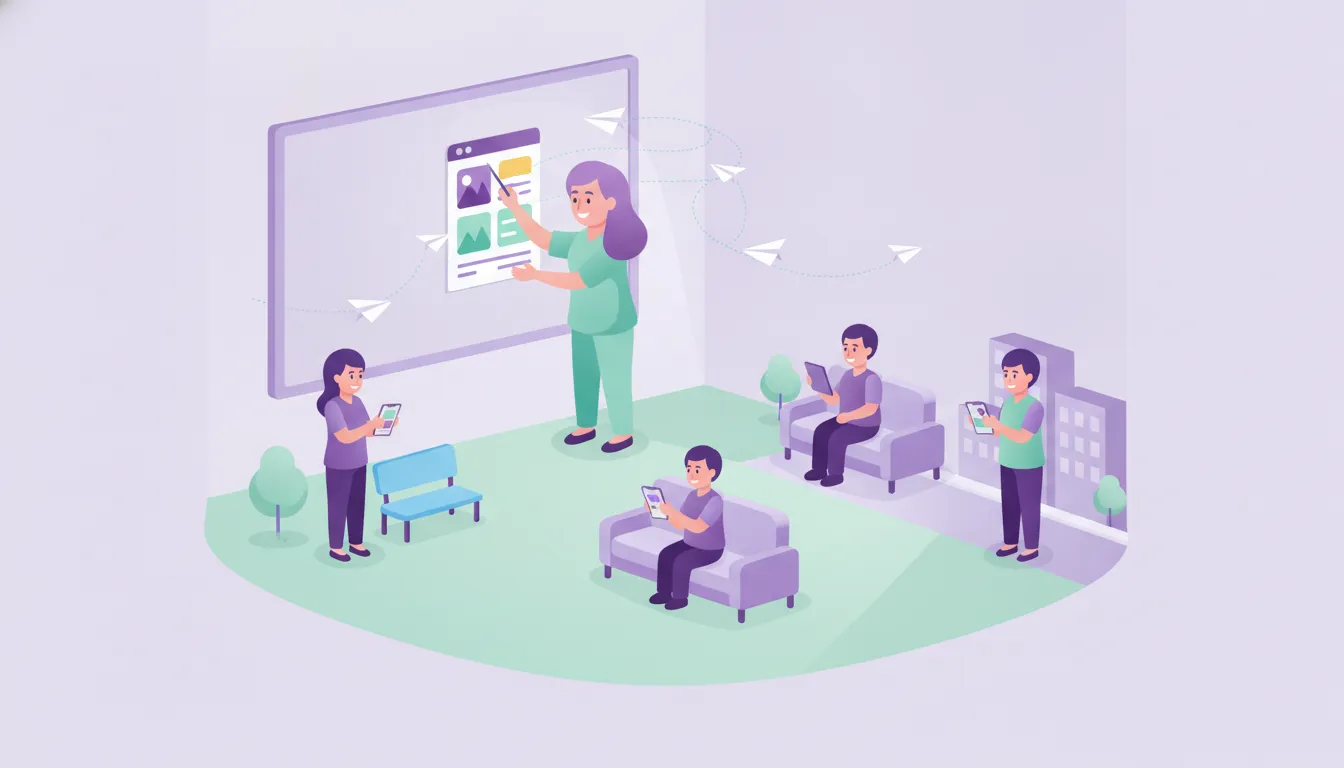
Announce meetings, events and school news class by class; upload your newsletter as a PDF or image and let parents read it on their phones.
What it solves
Paper notes in school bags get lost, and a newsletter on the notice board is easy to miss.
- Lost paper notes Announcements reach parents in the app and stay there, so nobody has to hunt for a piece of paper.
- One message for everyone Announcements are sent per class; only the parents of the relevant class are informed.
- Distributing the newsletter The newsletter is uploaded once as a PDF, JPEG or PNG and reaches every parent with a smartphone.
How do announcements and newsletters work?
Staff and teachers share, parents are notified.

Newsletter
PDF or image newsletter
The newsletter is uploaded with a title and date as a PDF, JPEG or PNG file; parents open and read it in the app.
See details
Your newsletter reaches parents without printing or handing out.
- PDF, JPEG and PNG support
- Orderly archive by title and date
- Update an uploaded newsletter
Announcements
Class-based group announcements
Meetings, events and news are announced to the parents of the selected classes in one go.
See details
The right information reaches the right parents, fast.
- Announce by class
- Edit and remove announcements
- Instant notification for announcements
Archive
Always available
Past announcements and newsletters are listed in the app, so parents can check something they missed later on.
See details
Parents can reach up-to-date information at any time.
- Announcement list
- Newsletter list
- Detail screen
Frequently asked questions
In which formats can the newsletter be shared?
The newsletter can be uploaded as a PDF, JPEG or PNG file.
Can an announcement go to just one class?
Yes. In Funikid announcements are sent per class; the parents of the selected classes are informed.
How do parents notice a new announcement?
When an announcement is shared, parents receive an instant notification on their phone.
Related features
-

Messaging and Notifications
Parents and teachers message each other in the app; announcements, attendance, meals and events reach parents' phones as instant notifications. Explore -

Events and Calendar
Create events, inform parents and collect participation consent in the app. Important dates stay in the school calendar. Explore -

Photos and Gallery
Share photos and videos taken in class and at events with parents in a private space; create class and student albums. Explore
Try Funikid free for 14 days
The iOS and Android apps come together with the web panel, and our team is with you during setup.