
Features
Photos and Gallery
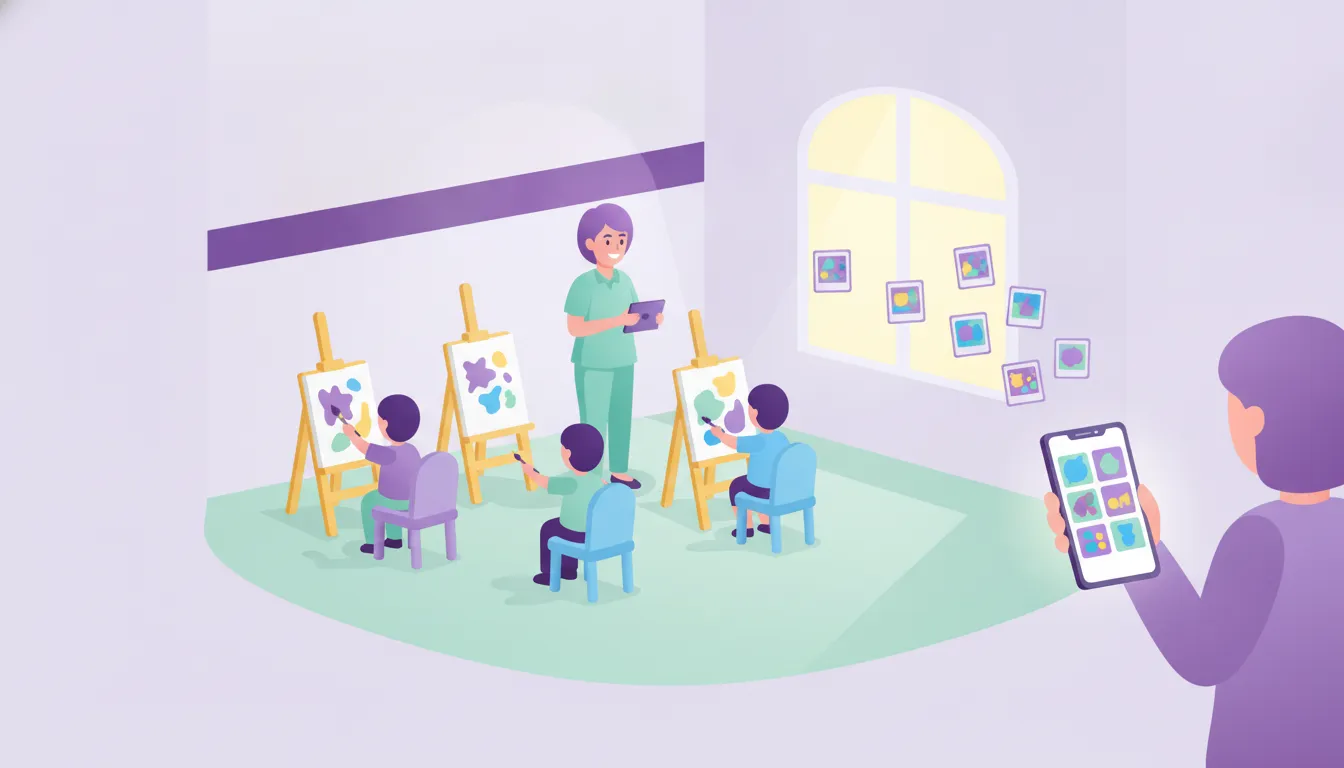
Photos and videos from the classroom and events reach parents in your school's own app, not on a public social network.
What it solves
Photos stay on the teacher's phone or get lost in busy group chats.
- Memories lost in group chats Photos and videos are kept in albums and parents can come back to them any time.
- Unclear who receives what Sharing happens in a private space in the school's own app.
- A scattered archive Class and student albums keep the visual story of the school year together.
How does photo sharing work?
Teachers upload, parents view in the app.

Albums
Class and student albums
Photos are uploaded to the class gallery and albums, and parents browse them album by album in the app.
See details
A child's development can be followed visually.
- Class gallery
- Album list and details
- Upload and delete photos
Video
Videos in the same place
Videos from shows and events are shared alongside the photos.
See details
Parents see the moment even if they missed the event.
- Upload videos
- Video list
- Watch in the app
Event memories
An album after the event
Event photos are shared so families can follow their children's school life closely.
See details
Every picture is a way to share the learning journey with the family.
- Sharing per event
- Sharing per student
- Viewing in the mobile app
Frequently asked questions
Where are photos shared?
Photos and videos are shown in the Funikid app, in a private sharing space for parents.
Can videos be shared too?
Yes. Videos can be uploaded alongside photos.
How are albums organised?
Class and student albums are created and photos are uploaded to the relevant album.
Related features
-

Events and Calendar
Create events, inform parents and collect participation consent in the app. Important dates stay in the school calendar. Explore -

Messaging and Notifications
Parents and teachers message each other in the app; announcements, attendance, meals and events reach parents' phones as instant notifications. Explore -

Roles and Permissions
Define separate access rights for user groups such as administrators, teachers and parents, so everyone sees only what they need. Explore
Try Funikid free for 14 days
The iOS and Android apps come together with the web panel, and our team is with you during setup.