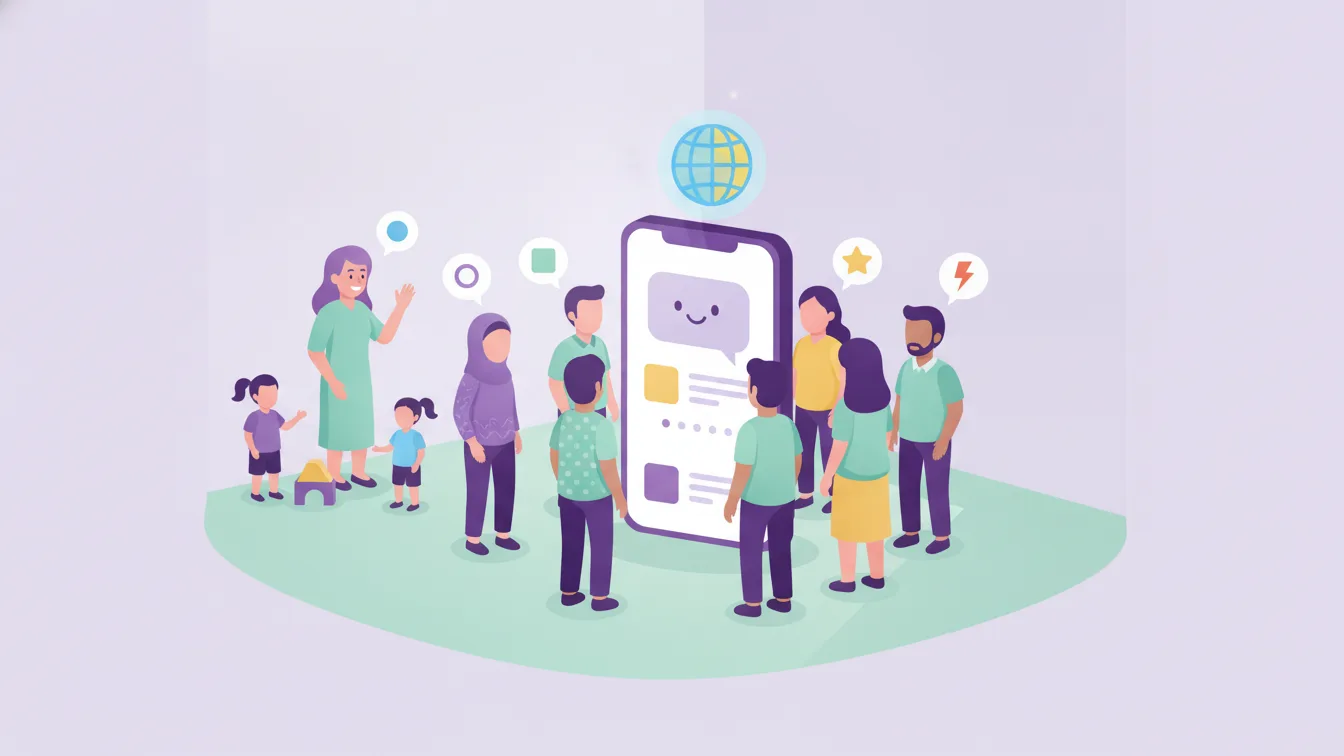
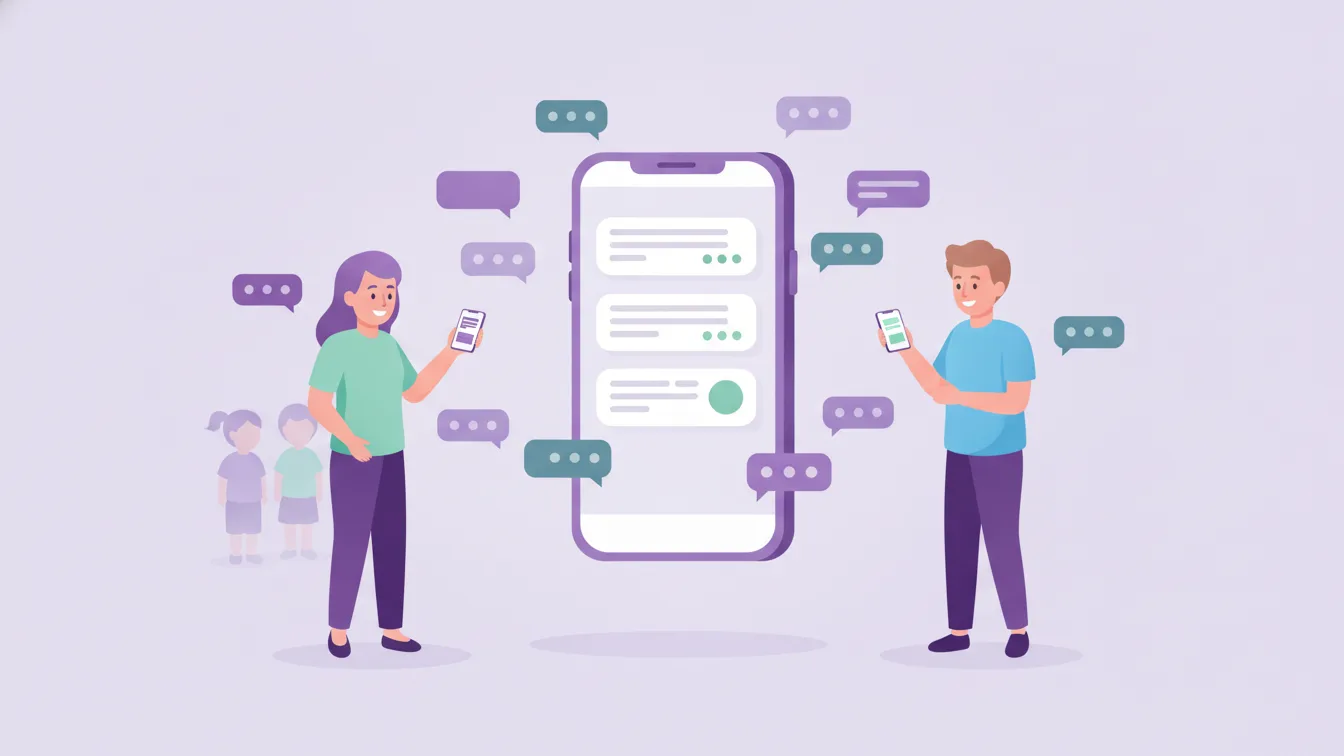
Almost every class has a messaging group. It takes a minute to set up, everyone already has the app on their phone, and in the first weeks it really works. Then the group grows: birthday wishes, photos of a lost hat, "is it free dress tomorrow?" questions arriving at eleven at night... and one day the one announcement that matters gets lost among a hundred messages.
In this article I explain why class groups stop being enough at some point, and the practical way to move school communication to a single, organized channel.
Why do groups work at first?
Let's be fair: groups didn't become widespread for nothing. They are fast, they are free, and nobody has to learn anything new. In a small class and for a short time, these advantages are real. The problem starts when the school's official communication also settles into these groups over time.
Five familiar problems
1. Important information gets lost
In a group, announcements and chat share the same stream. To find the "meeting time," a parent has to scroll up; if they don't scroll, they miss it. Then the teacher gets asked one by one, and the same information is repeated ten times.
2. Privacy is strained
In a group, every parent's phone number is visible to everyone. When a child's photo is shared, there is no way of knowing whose phone it gets saved to. A parent accidentally writing about a private matter to the whole group is also a common mishap.
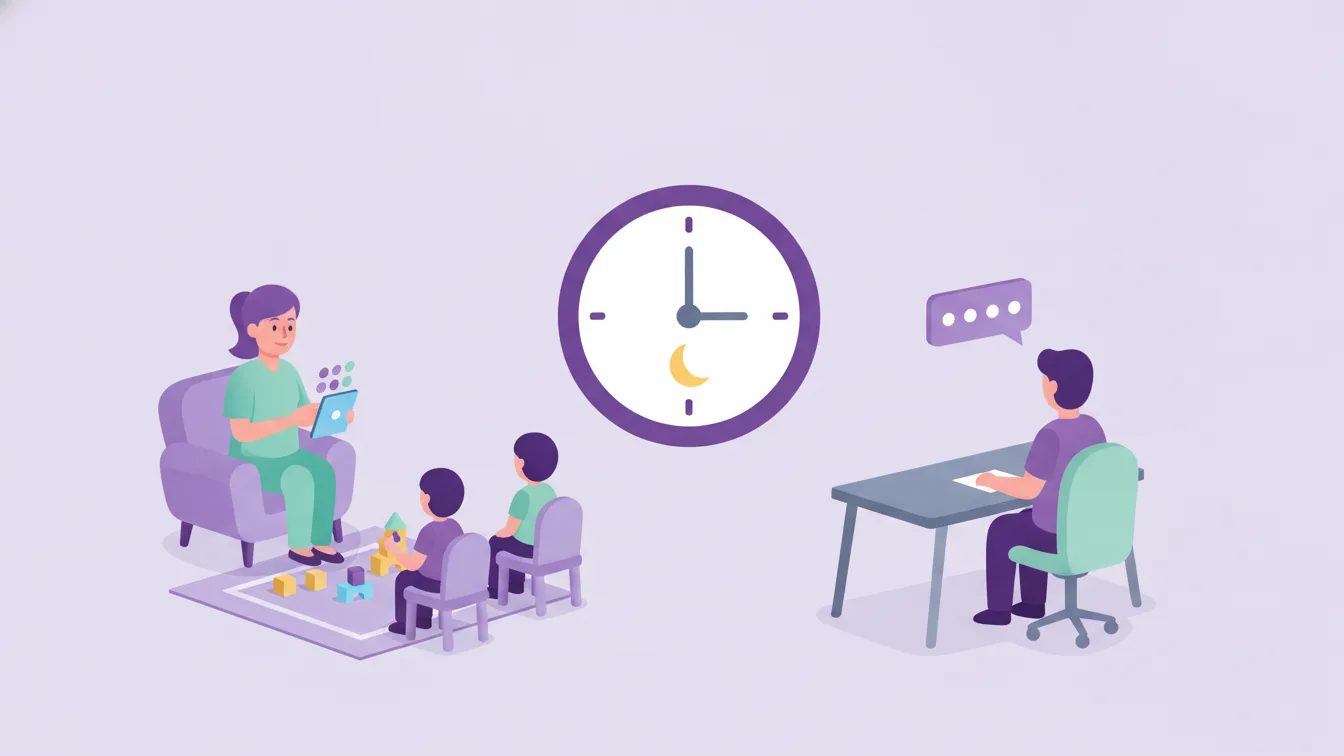
3. Teachers are online outside working hours
The group works in the evening and on weekends too. Communication that runs through the teacher's personal number blurs boundaries and speeds up burnout.
4. The school can't speak consistently
Each class's group develops its own language and its own tone. An announcement made to one class reaches another with different wording, or doesn't reach it at all. Management doesn't know what is being said in the classes.
5. There is no record or continuity
When a teacher changes or a new parent joins the class, past announcements aren't there. The school's communication memory stays scattered across people's phones.
What does a single channel mean?
The solution is not to "ban messaging" but to put each type of communication in the right place. Everything the school says to parents falls into one of three patterns:
- Announcement: Information that everyone or a class needs to know and that doesn't expect a reply. A meeting, a holiday, an event, a note about clothing. Its place: class-level announcements and newsletter.
- Message: A conversation with a parent or a group that expects a reply. Its place: messaging — between parent and teacher, within the school's channel.
- Daily stream: Information about the child's day: check-in/out, meals, photos, activities. Its place: the relevant modules and instant notifications.
Funikid keeps these three in the same app but in separate places. Announcements don't get lost among messages; a parent's number isn't visible to other parents; school management sees all communication from a single panel.
Transition plan: four weeks
Closing the groups overnight causes a backlash among parents. A gradual plan works better:
- Week 1 — Preparation: Classes and students are entered into the system, and teachers get a short introduction. Parents are told that the app is coming and why the school is switching.
- Week 2 — Invitation: Parents install the app. A short class-by-class guide or a help desk at the door is useful for setup.
- Week 3 — Moving official communication: All announcements are made only through the app. A short reminder, "the announcement is in the app," is left in the group.
- Week 4 — Narrowing the groups' role: The groups stop being a school channel; parents who want to can keep them going among themselves, but the school doesn't speak there.
The key to convincing parents: benefits
Parents adopt a new app when they see what it gives them. When announcing the switch, highlight these three benefits:
- "You won't miss important announcements; everything will be in one place and arrive as a notification."
- "Your phone number won't be shared with other parents."
- "Your child's photos, meal information, and activities will be here."
The last point is usually decisive: what makes parents open the app every day is the content about their child's day. That is why not skipping photo and daily sharing in the first weeks speeds up adoption.
Boundaries for teachers
The biggest winner of moving to a school channel is often the teacher. A few rules make the job easier:
- The hours when messages are answered are announced clearly to parents.
- For emergencies, the school's main phone or the management number is shared, not the teacher's personal number.
- If the same question comes from more than one parent, the answer is turned into an announcement.
Detailed suggestions for organizing messaging are in our article on teacher-parent messaging.
Frequently asked questions
Can parents keep using the groups among themselves?
Of course. The goal is not to prevent parents' social communication but to move the school's official communication to an organized channel. Once the school stops making announcements in those groups, their role changes by itself.
What about parents who don't install the app?
During the transition you can see who hasn't joined the app and reach those parents one to one. In most cases the obstacle isn't technical; a little help with setup is enough.
Can school management see teacher-parent messages?
That depends on the school's permission setup. In Funikid, access rights are set by user group; for details, see the roles and permissions page.
What should I do to try the switch?
Start with one class. The 14-day free trial is enough to see the first two weeks of a class's four-week plan. For your questions, write to us.
About the author
Zeynep Çelik
Digital Content Specialist
Covers parent experience, the mobile app, privacy and digital organisation at school on the Funikid blog. Enjoys translating technology into a school's daily routine and explaining it with clear examples.