One of the things I hear most often in our conversations with school leaders is: "We don't want to change systems in the middle of the year." It's a very fair concern. Fortunately, there is a natural answer: the new school year. Parents are already expecting new information, new classes and new routines; the app is adopted far more easily as part of all that newness.
In this article I share a roadmap for rolling out a parent app smoothly at the start of the year, from the weeks before term begins to the end of the first month.
Before term: the preparation phase
Choose and try the software
Making the decision before the year starts makes everything else easier. You can try Funikid free for 14 days; even during the summer break, it's possible to do a rehearsal with the leadership team and one teacher. For evaluation questions, see our 10 questions article.
Set up the school structure
- Create the new year's classes.
- Place students and parents in their classes. See student management.
- Create staff accounts and set permissions. See roles and permissions.
- Add the year's known events to the calendar. See events and calendar.
Write down the rules
Which information goes through which channel, during which hours messages are answered, which principles apply to sharing photos? Gather these rules in a one-page guide; it will be handed out to both teachers and parents.
Just before term: preparing the teachers
Teachers already get together for start-of-year meetings; set aside an hour for the app. In this session:
- Try the four daily tasks together: attendance, photos, announcements, messages.
- Talk through the school's communication rules.
- Have each teacher prepare their class's first announcement (such as a welcome message to parents).
Teachers feeling ready on day one directly affects how well parents adopt the app.
The first week of school: inviting parents
The first days of the year are when parents are most in contact with the school; time the invitation for this period:
- Introduce it at the welcome meeting: Explain in three sentences why the app is being used and what parents will gain.
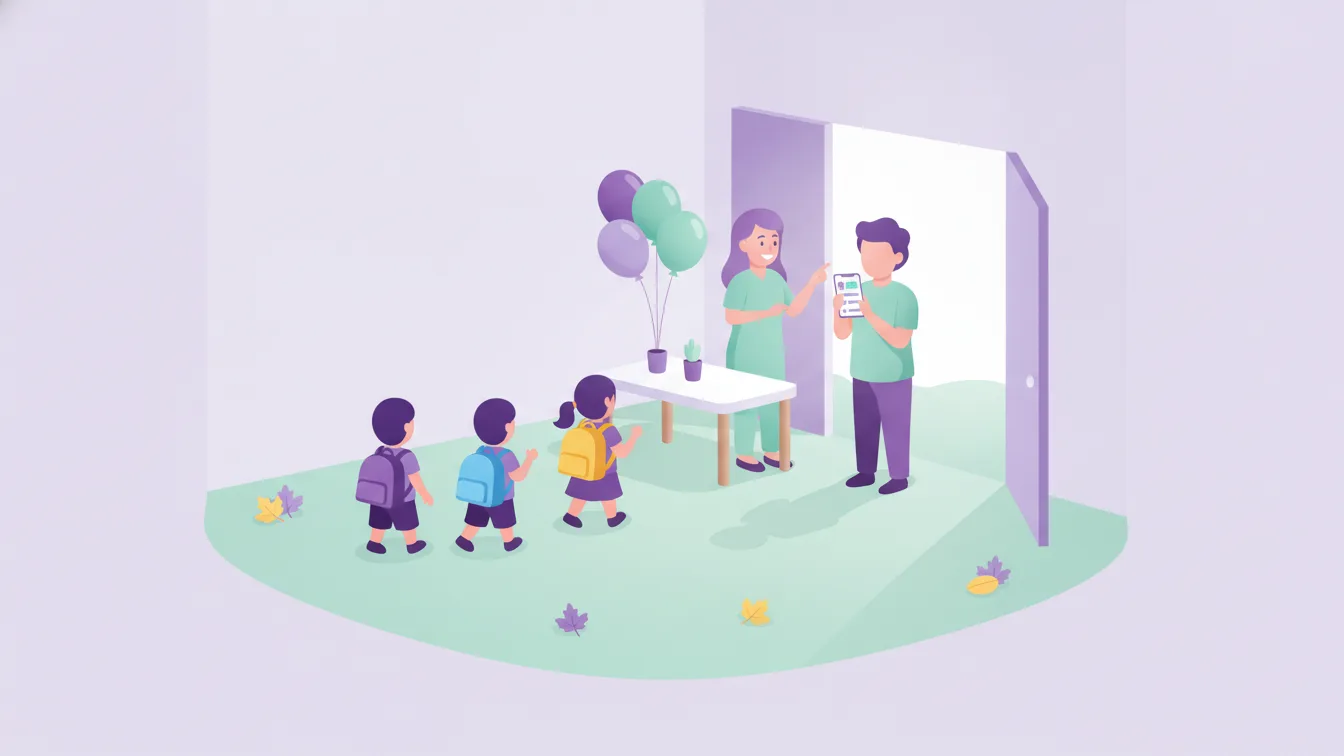
- A help desk at the door: For a few days, help with installing the app in the morning and afternoon.
- A written guide: Hand out a short guide with the installation steps and the school's rules.
- Have the first content ready: When parents open the app, they should see the welcome announcement, the weekly meal menu and photos from the first day. An empty app doesn't get opened a second time.
The first weeks: completing sign-ups
Within a few weeks it becomes clear who hasn't joined. Reach out to these parents one-to-one; the obstacle is usually technical. At this stage, start narrowing the role of the old channels: official announcements go out only through the app. For moving away from messaging groups, see this article.
After the first month: the first review
After the first month of the year, do a short review:
- What share of parents use the app regularly?
- Which tasks do teachers struggle with?
- Have repeated questions by phone and at the door gone down?
- Which content interests parents most?
Fine-tune the rules and habits based on this review. It's also a good time to introduce a new module as the next step, such as online payment.
If you have to start mid-year
Not every school can wait for the start of the year. If you're starting mid-year, apply the same steps on a smaller scale: first a pilot class, then the rest of the school. Our 14-day trial plan describes how this approach works day by day.
Frequently asked questions
When should we start preparing?
A few weeks before the school year starts is ideal: it leaves enough time for the decision, setup and teacher preparation. If you start later, go ahead with a pilot class.
Will all parents join in the first week?
Usually not; joining is spread over a few weeks. What matters is sharing content from day one and reaching out one-to-one to those who haven't joined.
Do we need to carry over last year's information?
Starting with the new year's active students and parents is enough. You can discuss the details of the transition with our team.
Where should I start preparing for the year with Funikid?
You can start with a free trial application, or contact us to talk through your transition plan.
About the author
Ece Demir
Sales Specialist
Writes from the sales team that talks to schools every day. Answers the questions leaders ask before deciding — choosing software, the free trial, the switchover plan and parent payments.