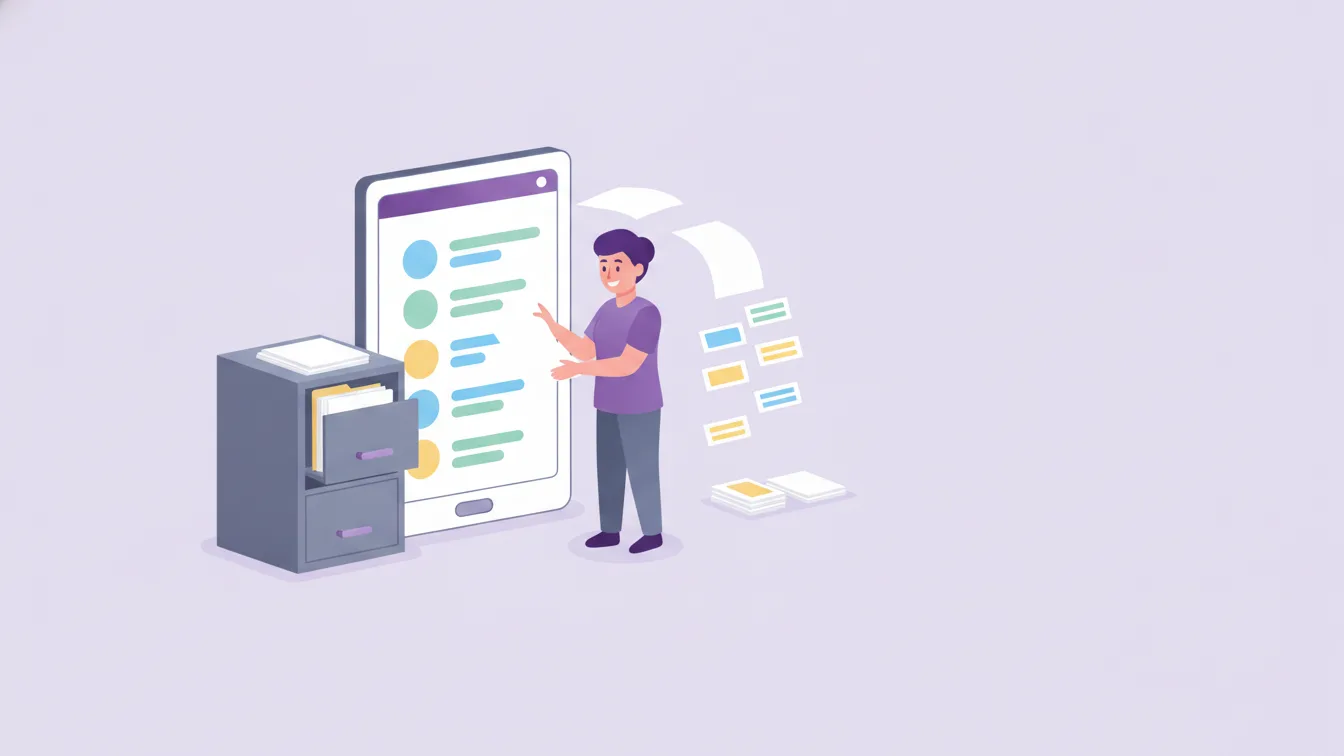

In my conversations with schools, payments usually come up towards the end, and a little hesitantly: "We still collect fees by bank transfer and in cash, and checking who has paid is a job in itself." Parents have a different problem: what to write in the payment reference, which account to send it to, and whether the payment actually reached the school are all unclear.
Online payment brings both sides together in one place. In this article I explain what taking school payments through the app makes easier and how to plan the switch.
What payments does a school have?
In a preschool, payments are not just the monthly fee:
- Termly or monthly tuition fees
- Trip and event fees
- Charges for materials, uniforms or books
- Extra services (such as clubs or workshops the school offers)
Each one is requested at a different time, for a different amount, and sometimes only for one class. Tracking them through individual bank transfer references is the most common source of errors on the accounting side.
What online payment gives parents
- One place: Parents pay in the same app where they see school announcements, messages and photos.
- No uncertainty: Which payment it is, for which child and how much is clearly shown. There's no reference to write.
- Any time, anywhere: Payments can be made without going to the bank or waiting for office hours.
Funikid's online mobile payment feature aims to let parents pay easily through the app and help the school manage its financial transactions securely and quickly.
What online payment gives the school
- No more matching headaches: Each payment is linked directly to the relevant child and item; there's no need to guess who it was from a bank transfer reference.
- Tracking becomes visible: Which parents have paid and which are still pending can be followed in a single list.
- Communication gets easier: A payment reminder is no longer an awkward face-to-face or phone conversation; it becomes a regular, neutral notification.
Reminder wording: polite, clear, not personal
Payment reminders are among the most sensitive moments in the school–parent relationship. A few rules make it easier:
- Inform in advance: A heads-up before the due date is received far better than a warning after it.
- Write neutrally: "The due date for the October tuition fee is 10 October." There's no need for blaming or emotional language.
- Send it only to the relevant parent: A payment reminder is not a general announcement; it is for the parent whose payment is pending. Other parents must never be able to see who hasn't paid.
- Leave the door open for parents having difficulties: A sentence like "If you have any questions about the payment, you can message the school office" makes the conversation easier.
How should you plan the switch?
Changing payment habits requires more trust than changing communication habits. The order I recommend:
- Move communication first: Once parents are used to the app for announcements, messages and photos, adding payments is easier.
- Start with a small item: A trip or event fee is a good first step for trying online payment.
- Show parents how to do it: A short announcement and a walkthrough with screenshots cut down the questions that come with the first payment.
- Keep the old method open for a while: During the transition, bank transfers are still accepted; over time, online payment becomes the default.
Privacy and permissions
Payment information is not something everyone at school needs to see. The class teacher usually doesn't need to know a parent's payment status; accounting and management do. Make this distinction from the start with role and permission settings. See roles and permissions and our article on roles and permissions at school.
About plans and pricing
Funikid offers different plan options: Starter, Standard and Advanced. To discuss which plan suits your school's needs and the setup details for online payment, get in touch with us.
Frequently asked questions
Where do parents make payments?
In the Funikid app on their phone. Payments sit in the same place where parents see announcements and messages.
Who can see which parents have paid?
Authorised users designated by the school. With permission settings, you can make sure payment information is seen only by accounting and management.
Should we move all payments online right away?
There's no need. Starting with a small item and giving parents time to get used to it makes the transition smoother.
Is it possible to try online payment?
With the 14-day free trial you can start using Funikid's other modules right away; for online payment setup, you can talk to our team.
About the author
Ece Demir
Sales Specialist
Writes from the sales team that talks to schools every day. Answers the questions leaders ask before deciding — choosing software, the free trial, the switchover plan and parent payments.