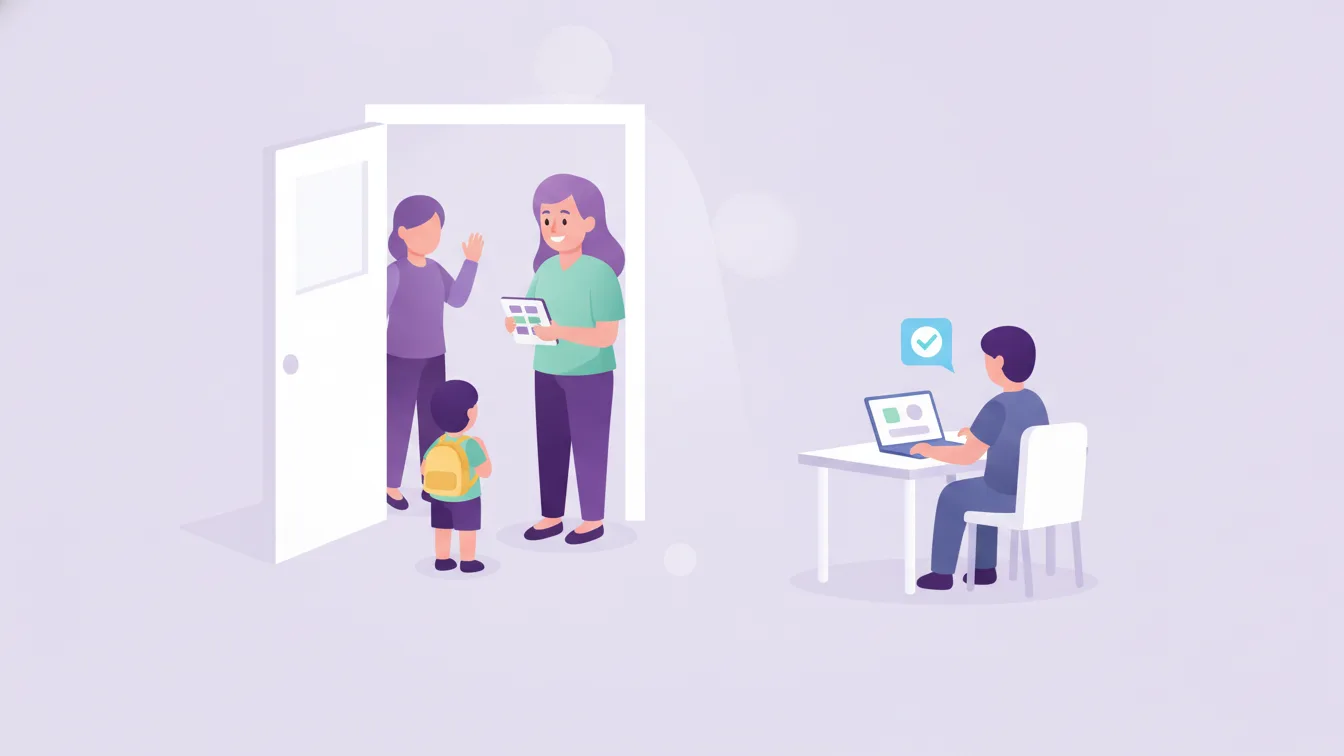
One of the first questions a parent asks their child at pick-up is "What did you eat today?" The answer is often vague: "Don't know, pasta I think." So the parent asks the teacher the same question. In a single class, that question can come up twenty times a day.
Food is one of the topics parents care about most in preschools and nurseries. In this article I explain how to send the meal menu and each child's meal status to parents regularly, lightening the teacher's load and giving parents peace of mind at the same time.
Two separate pieces of information: the menu and the meal status
The food information that reaches parents has two parts, and keeping them apart makes things easier:
- The menu: What is being cooked at school? It is the same for all children and planned in advance.
- The meal status: Did the child eat that meal today, and how much? It is different for each child and happens during the day.
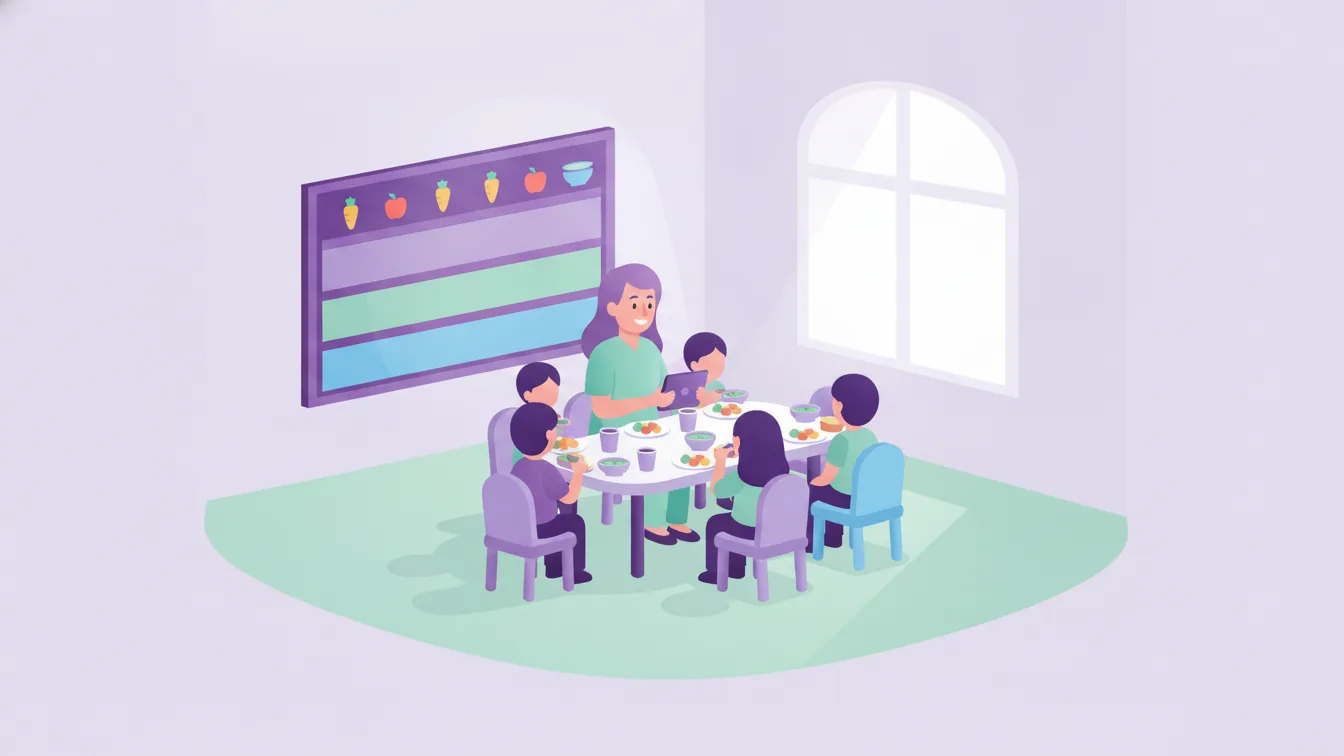
In Funikid these two parts are two separate features: the meal menu is shared daily, weekly or monthly, and meal tracking shares with parents how the child ate at the three meals during their time at school.
Sharing the menu: planned and visible
Sharing the menu in advance helps parents plan meals at home: a child who had pulses for lunch can be given something different for dinner. For good menu sharing:
- Choose the period: A weekly menu is the most balanced option for most schools; a monthly menu makes planning easier but is more prone to changes.
- Separate the meals: Breakfast, lunch and afternoon snack on separate lines.
- Announce changes: If the menu changes because of ingredients, let parents know. Announcing menu changes straight away keeps parents' trust.
Meal tracking: short, consistent, honest
Reporting meal status can look like extra work for the teacher; set up properly, it adds just a few taps to the class routine. My suggestions:
- Use a simple scale: Something like "Ate it all / Ate half / Ate a little / Didn't eat". The simpler the scale, the more consistent the records.
- Record right after the meal: A record filled in from memory at the end of the day isn't reliable.
- Be honest: If the child didn't eat, writing "didn't eat" is more valuable than telling the parent "everything's fine"; the parent can adjust the evening meal accordingly.
- Use the note field when needed: A short note such as "had little appetite today" helps parents keep a closer eye on their child.
Special dietary needs
Special situations such as allergies, intolerances or a family's dietary preferences are the most critical part of the food topic. For these:
- The information is collected at enrolment and kept in the child's record; the kitchen and the class teacher can access it. See student management.
- Dishes containing allergens are clearly marked on the menu.
- What a child on a special diet ate is noted separately in meal tracking. Funikid's meal tracking also supports sharing information about special dietary needs with parents.
Who can see health-related information also matters; it should be open only to the staff who need it. More on this in our article on roles and permissions at school.
How does the teacher's day change?
The most tangible result of sending food information regularly through the app is fewer repeated questions at the door and on the phone. At pick-up, instead of answering "what did they eat today?", the teacher can talk with the parent about something more important in the child's day. This small change adds up to a real time saving by the end of the day.
Points to watch in parent communication
- Keep the number of notifications reasonable; rather than a separate notification for every meal, the day's status can be viewed together.
- Explain to parents from the start that "ate a little" is not a warning sign on its own, and that changes lasting several days will be discussed.
- Announce the rules on bringing food from outside the menu (such as birthday cakes) at the start of the term.
Frequently asked questions
How far in advance should the meal menu be shared?
A weekly menu helps parents plan most when it is shared before the week begins. If a monthly menu is shared, changes should be announced separately.
Is meal tracking done for every meal?
It depends on how long the child spends at school. For children who stay all day, the status of breakfast, lunch and the afternoon meal can be shared.
Who should allergy information be shared with?
With the teachers and kitchen staff involved in the child's care. Permission settings should be used so the information isn't open to a wider group than necessary.
How can I try the meal menu and tracking in Funikid?
With the 14-day free trial you can share your weekly menu and start meal tracking in one class. For any questions, write to us.
About the author
Emre Aksoy
Administrative Affairs Specialist
Draws on his administrative experience to write about school operations: attendance, meals, events and calendar planning, student records. His articles focus less on theory and more on how a school day actually runs.