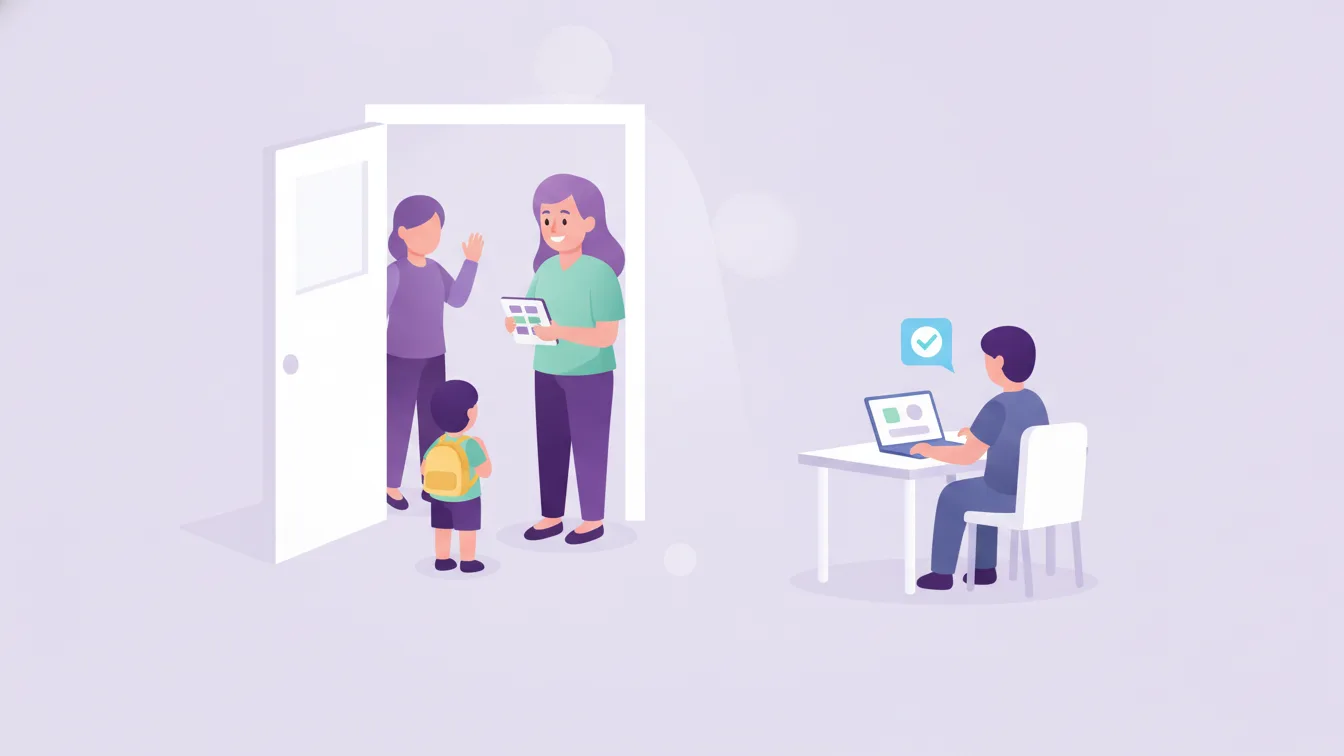
The two most sensitive moments in a nursery are morning drop-off and evening pick-up. In the morning the door is crowded: the bus arrives, parents are in a hurry, and the teacher is both greeting the children and taking notes. In the evening there is a different question: who picked up the child, and at what time? On the administrative side, keeping a record of these two moments takes more care than anything else during the day.
In this article I explain a practical way to move attendance from paper to digital and to pass check-in/out information to the parent instantly.
Three weak points of paper attendance
- Late information: The paper list reaches the office during the day. Reaching a parent about a student who hasn't arrived only becomes possible hours later.
- A single copy: If the list gets lost, wet, or filled in wrongly, no record is left to look back on.
- Parents can't see it: Parents only find out their child has reached school by phoning to ask. In the morning the door and the phone are busy at the same time.
How does digital attendance work?
In digital attendance, the teacher opens the class list from the panel or the app and marks the students who have arrived. This record immediately lands in the school's system; check-in and check-out information is passed to the parent as a notification. In Funikid, the attendance system does exactly this: it passes the student's arrival and departure information to the parent instantly and makes attendance status trackable on the school side.
The result works on both sides:
- For parents: The "Did they arrive?" question is answered without picking up the phone. At evening pick-up, the check-out information reaches the parent as well.
- For the school: Who came and who didn't is in front of management first thing in the morning; absence tracking happens by itself.
A routine for morning drop-off
Technology alone doesn't create order at the door; it needs a workflow to go with it. A morning routine that works well in schools looks like this:
- Have a clear greeting point. The person who receives the child and the place are the same every morning.
- Mark attendance at the moment of drop-off. A "I'll enter everyone later" approach removes the biggest advantage of digital attendance, which is that it is instant.
- Set a cut-off time for absentees. For example, when the morning drop-off window ends, no class should have attendance left incomplete; the school reaches the parents of students who haven't arrived.
- Check bus arrivals separately. The children on the bus list are marked as having reached their class as a separate step.
Evening pick-up: the most sensitive moment
At evening pick-up the real question is "who is collecting?" Most schools take, at registration, the list of people who may pick up each student. This information needs to stay current in the student record and be accessible to the teacher at the door. See student management.
Practical suggestions:
- If the person collecting will change, make it a rule that the parent notifies the school in writing beforehand; an in-app message keeps this record.
- Mark check-out the moment the child leaves through the door.
- Announce in advance the procedure the school will follow for late parents.
Attendance tracking and reporting
The quiet benefit of digital attendance is the data it accumulates. Over months you can see which students are frequently absent and which days are less full. This information feeds into many decisions, from class planning to staffing. The teacher no longer needs to keep a separate list.
Wording in parent communication
A check-in/out notification should be short and neutral. A notification like "Your child has checked in at school" is enough; telling parents from the start that not every notification expects an action prevents unnecessary phone calls. For the general principles of notifications, see our article on the right channel to reach parents.
Things to watch for during the switch
- A short training for the teacher: Marking should be a job of a few taps; having someone alongside in the first week speeds up getting used to it.
- Informing parents: Explain with a short announcement when notifications will arrive and what they mean.
- A backup plan: Make it clear what to do when the internet connection drops; records are completed once the connection returns.
Frequently asked questions
Does the check-in/out notification go to every parent?
The notification goes to the parent of the student concerned. Other parents don't see another child's check-in/out information.
Does the teacher take attendance, or management?
It depends on the school's routine. Usually the class teacher marks it, and management follows the status of the whole school from the panel. Who can do what is set through permission settings.
Can we access past attendance records?
Yes; that is the point of digital attendance. Records stay in the system and can be reviewed retroactively for each student.
How can we try this at our school?
Start with a single class and run a week of morning and evening routines digitally. Applying for the free trial takes a few minutes; for your questions, we are on our contact page.
About the author
Emre Aksoy
Administrative Affairs Specialist
Draws on his administrative experience to write about school operations: attendance, meals, events and calendar planning, student records. His articles focus less on theory and more on how a school day actually runs.