A school has a lot to tell parents: that their child has arrived, the time of tomorrow's trip, the weekly newsletter, a payment reminder, an emergency. When all of this goes out through the same channel in the same tone, one of two things happens: either parents miss the important information, or they get tired of notifications and turn them all off.
In this article I compare the communication channels a school has and suggest a simple map for choosing the right channel for each type of information.
Getting to know the channels
Push notification (app notification)
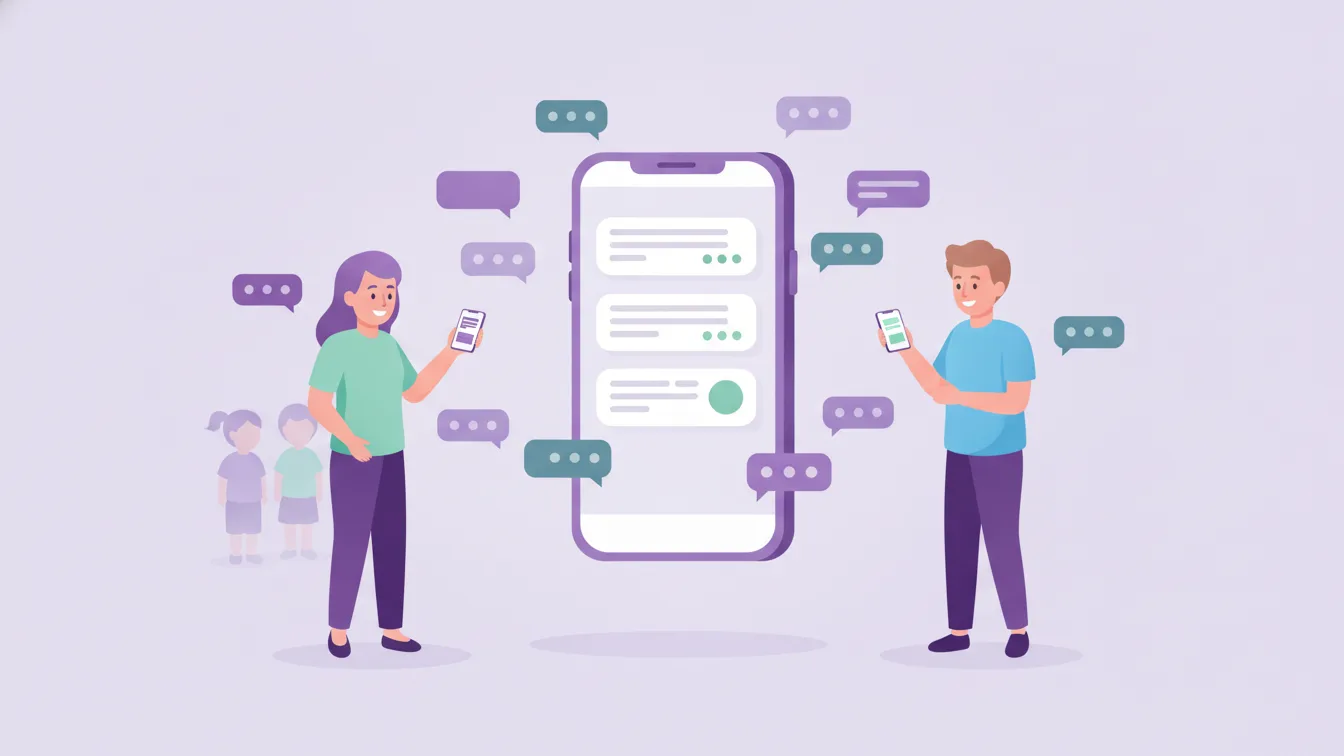
A notification that lands on the parent's phone from the school app. It's fast, has no extra cost, and a parent who taps it goes straight to the relevant content (announcement, message, photo). Its weakness: the parent must have installed the app and left notifications switched on. Funikid's instant mobile notifications were designed to get school and child updates to the parent's phone quickly.
SMS
Works on almost any phone and doesn't need internet. But the text is limited, it can't carry images or link to content, and it is often charged per message. It can get lost among marketing messages.
Suitable for long content and attachments, and it leaves a lasting record. But many parents don't check their email regularly during the day; a school email can be overlooked among promotions.
Phone
The most personal channel, and the one with the fastest feedback. It's indispensable for sensitive and urgent matters, but it takes time and leaves no record.
A channel map by type of information
- The child's daily routine (arrival and departure, meals, photos): App + push notification. See attendance and check-in/out.
- Class announcements and reminders: App + push notification. The announcement stays in the app, so parents can find it later too.
- Weekly newsletter: In the app as a newsletter; also by email for parents who want it.
- One-to-one conversation: In-app message. See teacher-parent messaging.
- Official correspondence (contracts, enrolment documents): Email or printed documents.
- Sensitive matters: A short message asking to talk, followed by a face-to-face meeting or a phone call.
- A real emergency: Phone, with an app notification as backup.
Notification fatigue: fewer but meaningful
Parents receive dozens of notifications from different apps every day. The school's notifications have to stay valuable among them. To make that happen:
- Not every post needs to be a notification: The day's photos can be uploaded together rather than one by one.
- Mind the time of day: Don't send non-urgent notifications at night.
- Send to the right people: An announcement that concerns one class shouldn't go to the whole school.
- Make it clear what the notification expects: The difference between "for information" and "action needed" should be clear from the title.
When parents learn that the school's notifications are always useful, they keep them on and read them. Protecting that trust matters more than the channel itself.
Why does a single channel matter?
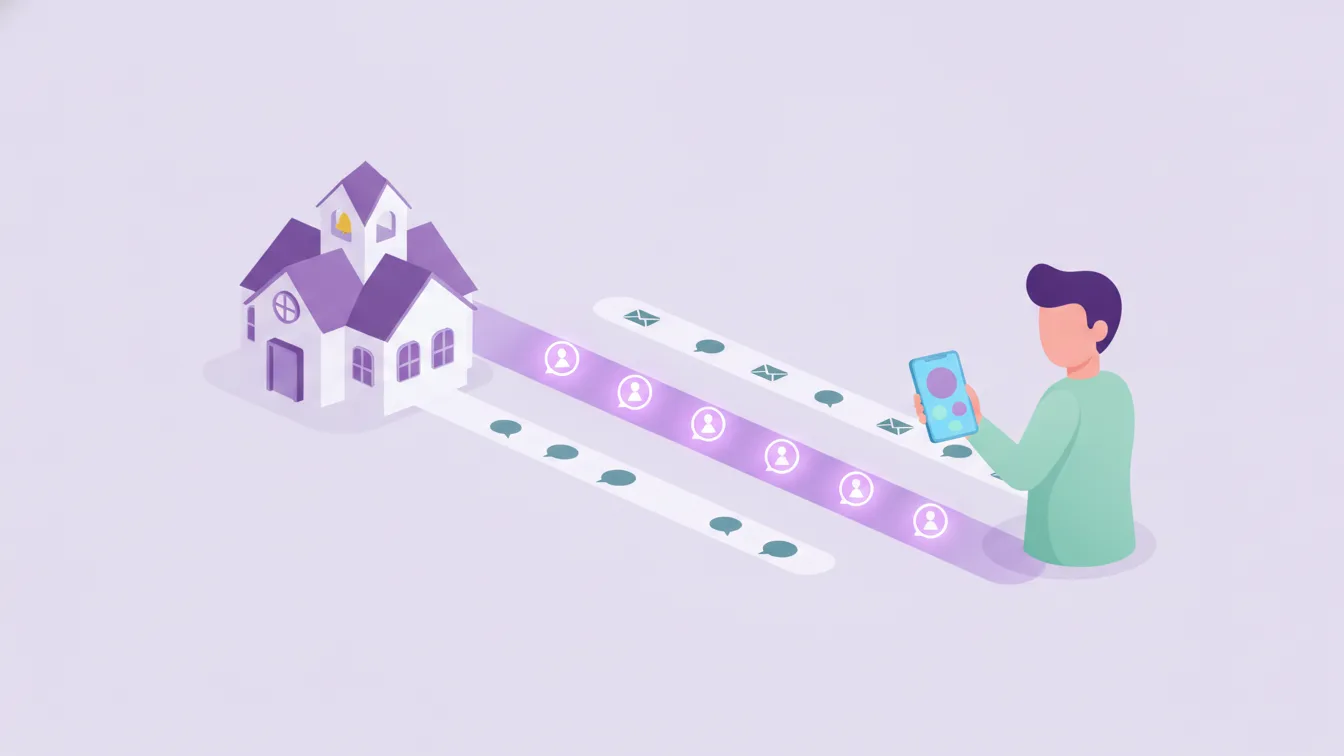
As the number of channels grows, parents start to wonder: "Where was this information supposed to come from?" When a school defines one main channel for parents and uses the others only for specific situations, communication becomes predictable. In Funikid, announcements, messages, newsletters, photos, meals and arrival/departure information are all in the same app; parents know where to find what. For moving from messaging groups to this setup, see our article on parent WhatsApp groups.
Parents who don't use the app
Every school has a few parents who join the app late or not at all. For them:
- Find out one-to-one what's in the way; often a little setup help is enough.
- Use a second route temporarily for critical information (emergencies, trip permissions).
- But don't build all of the school's communication around the least engaged parent; protecting the main channel benefits everyone.
Frequently asked questions
Can push notifications replace SMS?
For daily school communication, in most cases yes: they carry richer content, take parents to the relevant screen and have no per-message cost. Exceptions should be considered for parents without access to the app.
What happens if parents turn notifications off?
The content is still in the app; parents see it when they open it. The best way to stop notifications being switched off is to keep them few and meaningful.
Which channel should be used in an emergency?
Phone and app notification together. Announcing the emergency communication plan to parents at the start of the year reduces panic in a real situation.
How can I try Funikid's notifications?
With a 14-day free trial, you can set up notifications for one class and see how parents respond. For questions, write to us.
About the author
Zeynep Çelik
Digital Content Specialist
Covers parent experience, the mobile app, privacy and digital organisation at school on the Funikid blog. Enjoys translating technology into a school's daily routine and explaining it with clear examples.