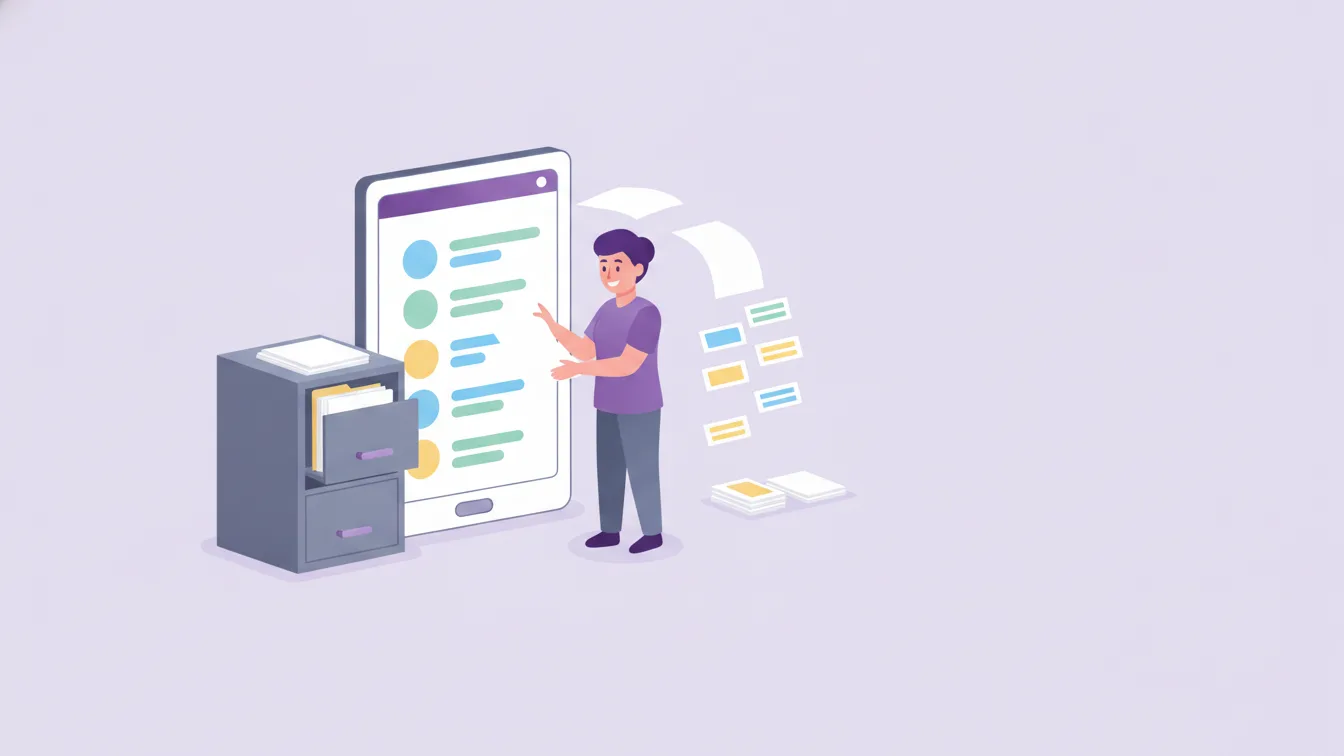
A preschool's office usually has a cabinet: one file per child, holding the enrolment form, a copy of the vaccination record, parent contact details, the list of people allowed to pick the child up, and a few notes. As long as the cabinet is tidy, it works. The trouble starts when the information is needed outside the cabinet: at the door, on a trip, in the kitchen, or when a parent changes their phone number.
In this article I describe the practical way to move student records to digital, from the perspective of the school office.
What does a student record include?
Every school's form is different, but the core information is similar:
- The child's basic details and class
- Parent and contact details
- People authorised to pick the child up
- Health notes: allergies, regular medication, special circumstances
- Dietary preferences and restrictions
- Photo sharing permissions
All of this information is used somewhere in the school's daily routine. That is the real value of a digital record: information is entered once and is visible where it's needed, to the right person.
Three problems with paper files
- Staying current: When a parent changes their phone number, the information in the file goes out of date; often nobody notices.
- Access: When a parent's number is needed on a trip, the cabinet is back at school.
- Control: There's no way of knowing who opened the file or which information they saw.
What does a digital record give you?
Funikid's student management section lets you organise and track student information; it is designed to keep data current and easy to access. The gains are concrete:
- A single source: Information is updated in one place; the same record is used in attendance, messaging and meal tracking.
- Visible to the right person: A health note is visible to the teacher and the kitchen, payment information to accounting. See roles and permissions.
- Easier class changes: Moving classes for the new year is as simple as moving a child from one list to another.
The switch: a four-step plan
1. Simplify the fields
Paper forms accumulate fields over the years that are no longer used. When going digital, ask of each field: "Do we really use this information?" Not collecting unnecessary information both lightens the workload and is the right thing to do for data security.
2. Enter active students first
Don't start by moving past years' files. Once this year's students, parents and classes are in the system, the school can start working on day one. The archive can be dealt with later.
3. Have parents confirm their details
Information on paper may be out of date. In the first week parents join the app, ask them to check their contact and pick-up details. This one step clears out years of errors from the cabinet within a few days.
4. Decide how to keep the paper
For originals such as signed enrolment forms, follow your school's retention rules. The digital record becomes the source for daily use; the paper file goes to the archive.
Authorised pick-up people: special attention
The most critical field in a student record is who may collect the child. This information must always be current and accessible to the teacher at the door. Make it a rule that parents report any change in writing (via an app message). For the afternoon pick-up routine, see our article on check-in and check-out notifications.
Health notes: few but accurate
Allergy and regular medication information is vital for a child's safety, but it doesn't need to be shared with a wide group. Only those involved in the child's care should see it. For the meal side of this, take a look at our article on meal menus and meal tracking.
Frequently asked questions
Can we enter student information in bulk?
You can discuss with our team how to import your list during the switch; during the trial, entering the pilot class by hand is usually a matter of a few minutes.
Can parents update their own information?
When parents report a change to the school through the app, the information is updated quickly and on record. Which fields can be changed by whom is decided according to the school's own procedures.
What happens to the record of a child who graduates or leaves?
It is removed from the active list; how long and how the record is kept should be decided according to your school's retention rules.
How can I try student management in Funikid?
You can start with a 14-day free trial by entering one class's records. For questions, contact us.
About the author
Emre Aksoy
Administrative Affairs Specialist
Draws on his administrative experience to write about school operations: attendance, meals, events and calendar planning, student records. His articles focus less on theory and more on how a school day actually runs.