Ask a parent what they open most often in the school app, and the answer will most likely be "the photos". Moments when their child is playing with paint in class, running in the garden or stepping on stage at a performance are a window into a world the parent cannot see during the day.
The same photos are also a responsibility for the school: whose child is being shown, to whom, and through which channel? In this article I share practical ways to strike the balance between building memories and protecting privacy.
Why does it matter?
Children's photos are personal data, and sharing them is a topic parents are sensitive about. Once a photo is posted on a public social media account or in a messaging group with dozens of members, where it ends up is no longer in the school's control. When trust is shaken even once, it can overshadow even the loveliest event.
First step: get consent up front
Your photo policy should be clear by enrolment time. In good practice, the school:
- States clearly the purposes for which photos and videos will be taken (class album, newsletter, promoting the school, and so on).
- Lets parents choose separately for each purpose; they should be able to say "yes to the class album, no to promotion".
- Makes it clear that parents can change their choice later.
- Keeps the choices in the child's record, where the teacher can check them before sharing.
Review the legal obligations that apply to your institution with your legal adviser; the suggestions here are general recommendations about day-to-day practice.
The right channel: the school's private space
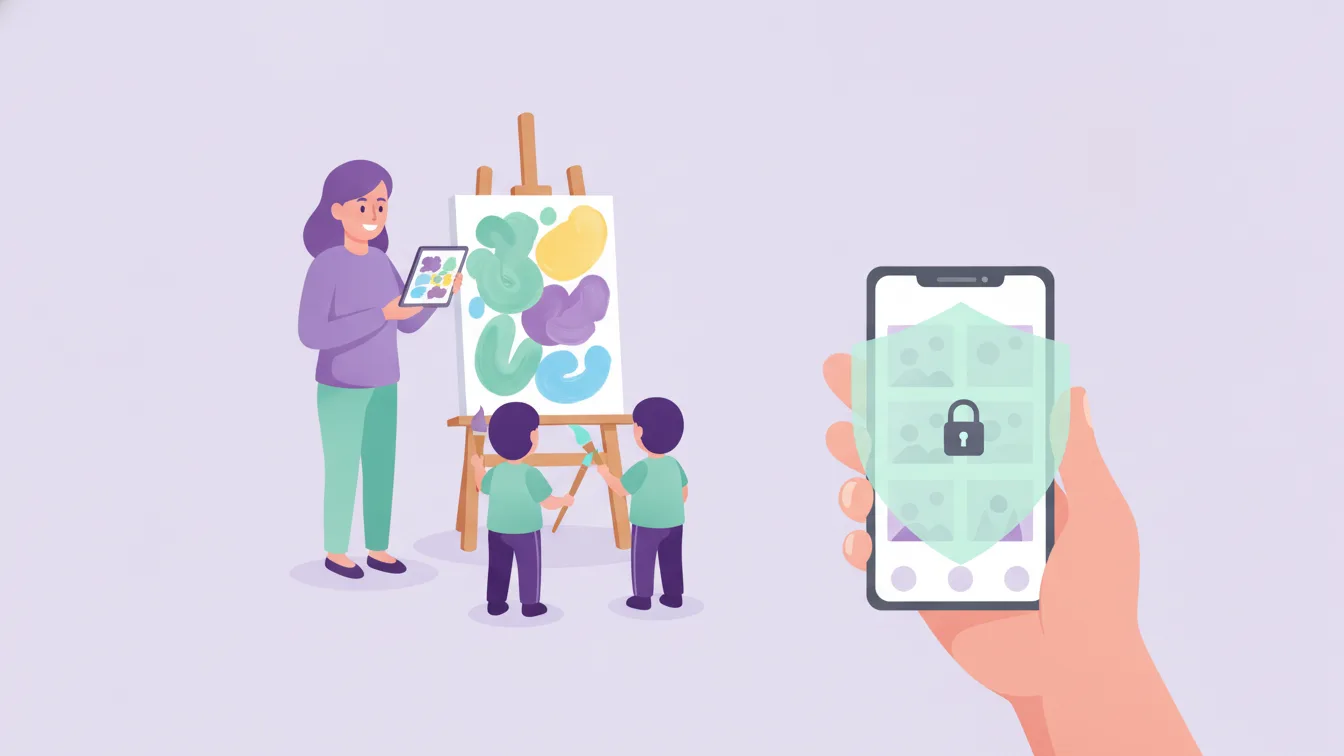
The safest place to share photos is the school app, which only authorised parents can access. In Funikid, photo sharing and the gallery bring photos and videos taken in class and at events together with parents in a private sharing space. This channel has three advantages:
- Targeted access: A class album is visible only to that class's parents, and a child's album only to that child's parents.
- No number sharing: Parents' phone numbers are not exposed to each other.
- Order: Photos don't get lost among messages; they stay in albums organised by event or date.
Class album or child album?
The two album types meet different needs:
- Class album: Shared activities, group work, performances. All parents in the class can see it, so every child in it must have sharing consent.
- Child album: Moments special to one child, a piece of their work, shots that show their development. Only their own parents can see it; it is the safest option for privacy.
If a child without sharing consent appears in a class photo, the right thing to do is to leave that shot out of the class album or choose one in which the child is not visible.
A short checklist for teachers
- Take photos with a school device or the app the school has chosen; don't collect them on your personal phone.
- Before sharing, check whether any child without consent is in the shot.
- Don't share moments when children are changing clothes, sleeping or crying.
- Make sure no identifying details such as addresses or name tags are visible in the background.
- Gather event photos in that event's album.
What parents can do
Parents have a role too. Reminding them that a photo downloaded from the class album also includes other children is usually enough to make them think before posting it on their personal social media accounts. Give this reminder in a short announcement at the start of the term, in the language of protecting children together rather than blame.
Extra notes on video
Videos of performances and events are among parents' favourite content. Because videos include more children and voices, they should go through the same consent check before being shared in the class album. Short clips instead of a long recording of a whole performance make the consent check easier and are more comfortable to watch on a phone.
Frequently asked questions
Is a child whose parents haven't given photo consent left out of activities?
No. Consent only concerns sharing; the child takes part in every activity. The teacher simply doesn't share shots in which that child appears, or shows them only to the child's own parents.
Who can see the photos?
In the app, permission to see a photo depends on the album type and the school's permission settings. For details, see our roles and permissions page and our article on roles and permissions at school.
Can we use photos to promote the school on social media?
Only photos of children whose parents have given separate consent for promotional use. It is important to keep this consent separate from class album consent.
How can I try the gallery in Funikid?
With the 14-day free trial you can create class and child albums and make your first share. For any questions, get in touch.
About the author
Zeynep Çelik
Digital Content Specialist
Covers parent experience, the mobile app, privacy and digital organisation at school on the Funikid blog. Enjoys translating technology into a school's daily routine and explaining it with clear examples.